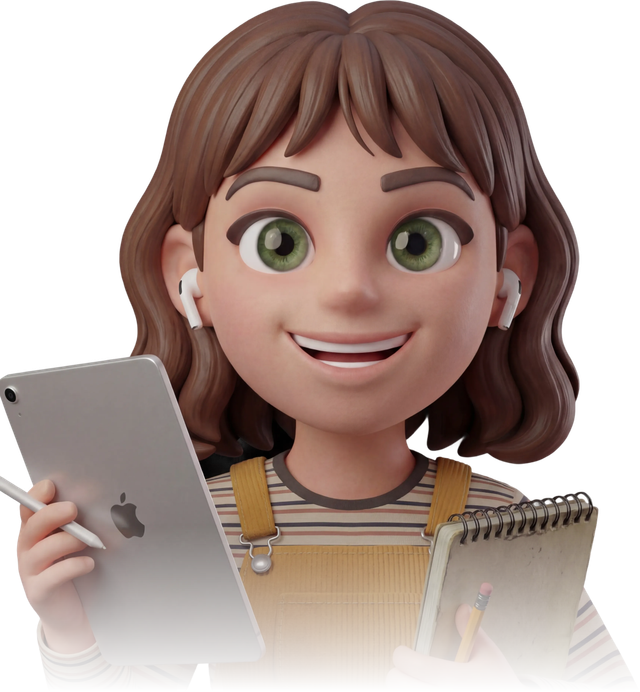

Create from your notes. Turn a PDF, photo or your notes into flashcards, ready to study.
AI flashcards from your notes.
Create question-and-answer flashcards from PDFs, documents and photos with AI. Review your cards in Testopia for iOS and Android.


Your materials
PDF, Word, PowerPoint & images





 +16
+1622 study languages
22 output languages to choose from
Made for the way you study.
Create from your notes. Revisit what’s tricky. Keep everything together.
Focus on the tricky cards. Reveal the answer, flag what needs practice and review just those cards.
Keep it all together. Organize by subject, pick up where you left off or share a set.
From your notes to your next review.
In the Testopia app for iOS and Android.
-
Add your notes
Choose flashcards in Testopia and upload a PDF, document or photo.
-
Set up your deck
Select the pages, subject and card language. Check the Ruby cost before generating.
-
Create and review
Generate your deck. Recall an answer, flip the card and mark the ones you want to revisit.


Whatever you study.
Drag or use the left and right arrow keys to explore study subjects.
Less copying. More recall.
Preparing cards by hand takes time. AI can help draft them, while you stay responsible for checking the content.
| Preparing cards by hand | Testopia |
|---|---|
| Manually typing every term, definition, and question | Generate a usable deck from notes, PDFs, and slides |
| Using your energy to prepare cards before you start studying | Start practicing while you still have time to study |
| Preparing another set for each topic | Keep your created decks in the app |
| Spending the study session preparing cards | Spend more of your session practicing recall |
Same notes. More ways to study.


A few things to know.
Compare Free & Premium →Can I make flashcards from PDFs and photos?
Yes. In the Testopia mobile app, choose flashcards and add a PDF, supported document or photo from your gallery or camera. Select the document pages and output language, then confirm generation.
Can I review only the cards I found difficult?
Yes. Tap “Try later” to flag a card, then choose “Review Flagged” when you finish. This reviews the flagged cards in your current set.
Can flashcards include formulas?
Yes. The study screen renders supported math notation on both the question and answer sides.
Is it free to start?
Yes. Free includes 125  every 30 days. Creating a deck uses ; the app shows the cost before you confirm. A full Repeat All follows your plan’s allowance.
Study in your language.
Create practice tests, flashcards and summaries in all languages.
-
 English
 - Czech (Čeština)
- German (Deutsch)
- French (Français)
- Spanish (Español)
-
 Italian (Italiano)
 -
 Polish (Polski)
 -
 Portuguese (Português)
 -
 Dutch (Nederlands)
 -
 Swedish (Svenska)
 -
 Greek (Ελληνικά)
-
 Arabic (العربية)
 -
 Chinese (中文)
 - Japanese (日本語)
-
 Korean (한국어)
 -
 Hindi (हिन्दी)
 -
 Romanian (Română)
 -
 Ukrainian (Українська)
 -
 Turkish (Türkçe)
 -
 Vietnamese (Tiếng Việt)
 -
 Thai (ไทย)
 -
 Russian (Русский)
The study AI that puts your notes to work.
Download Testopia and start studying for free.