From notes
Turn class notes and lecture summaries into flashcards without rewriting every concept by hand.
Turn PDFs, documents, images, textbook pages, and notes into flashcards you can review right away.
Most students already have the material. The problem is turning it into good flashcards without rebuilding everything by hand.
Turn class notes and lecture summaries into flashcards without rewriting every concept by hand.
Upload reading packets, textbook pages, and study guides, then turn the key material into cards.
Start with DOCX, PPTX, handouts, and class documents instead of building a deck from scratch.
Turn screenshots, saved notes, and study images into flashcards you can review right away.
Start with a PDF, document, image, photo, or notes. End with a clean deck that is ready for active recall.
Use PDFs, documents, saved images, textbook excerpts, vocab lists, photos, or pasted text.
Reviewable digital flashcards that move you into testing instead of setup work.
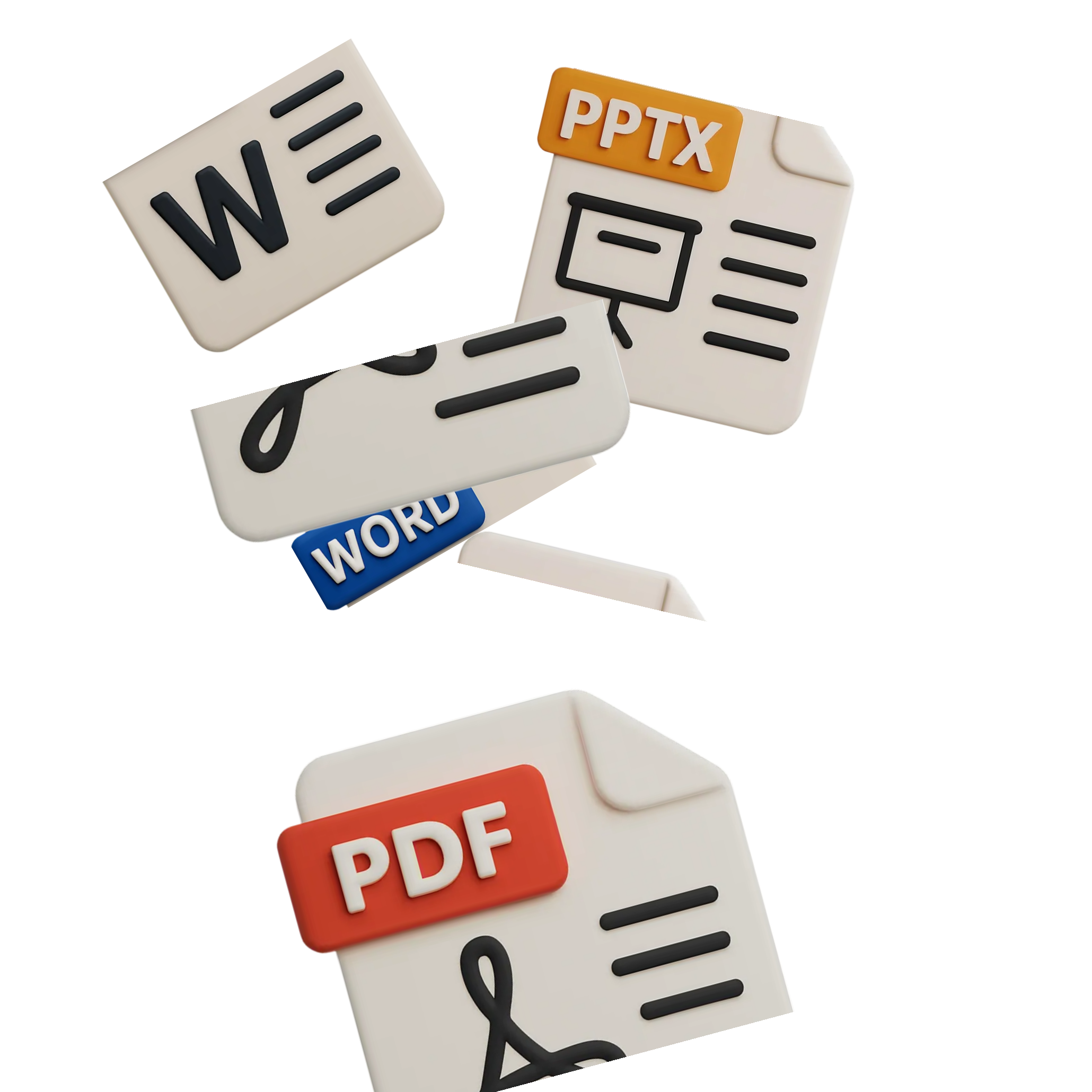
Upload a PDF, document, image, pasted note, or class handout instead of starting from a blank page.
Take photos of textbook pages, handwritten notes, or printed material when you do not have a file ready.
The AI turns your source into a clean question-and-answer flashcard deck in seconds.
Start a focused active recall review session instead of stopping after setup.
A flashcard maker is useful only if it cuts setup time and gets you into real review faster.
Go from notes, slides, and PDFs to a usable flashcard deck without manual formatting or copying.
Generate digital flashcards you can review on your phone instead of leaving them stuck in a file.
The value is not just card generation. It is getting to your first real review session faster.
Manual flashcards fail when setup eats the time and energy you meant to spend studying.
Manually typing every term, definition, and question
Generate a usable deck from notes, PDFs, and slides
Losing momentum before the first real review session
Start active recall while motivation is still high
Static cards with no fast way to focus weak concepts
Flag, repeat, and revisit hard concepts fast
Prep work eating the study session before recall begins
More of your session goes to remembering
An AI flashcard maker should cut prep work so the first real study session starts sooner.
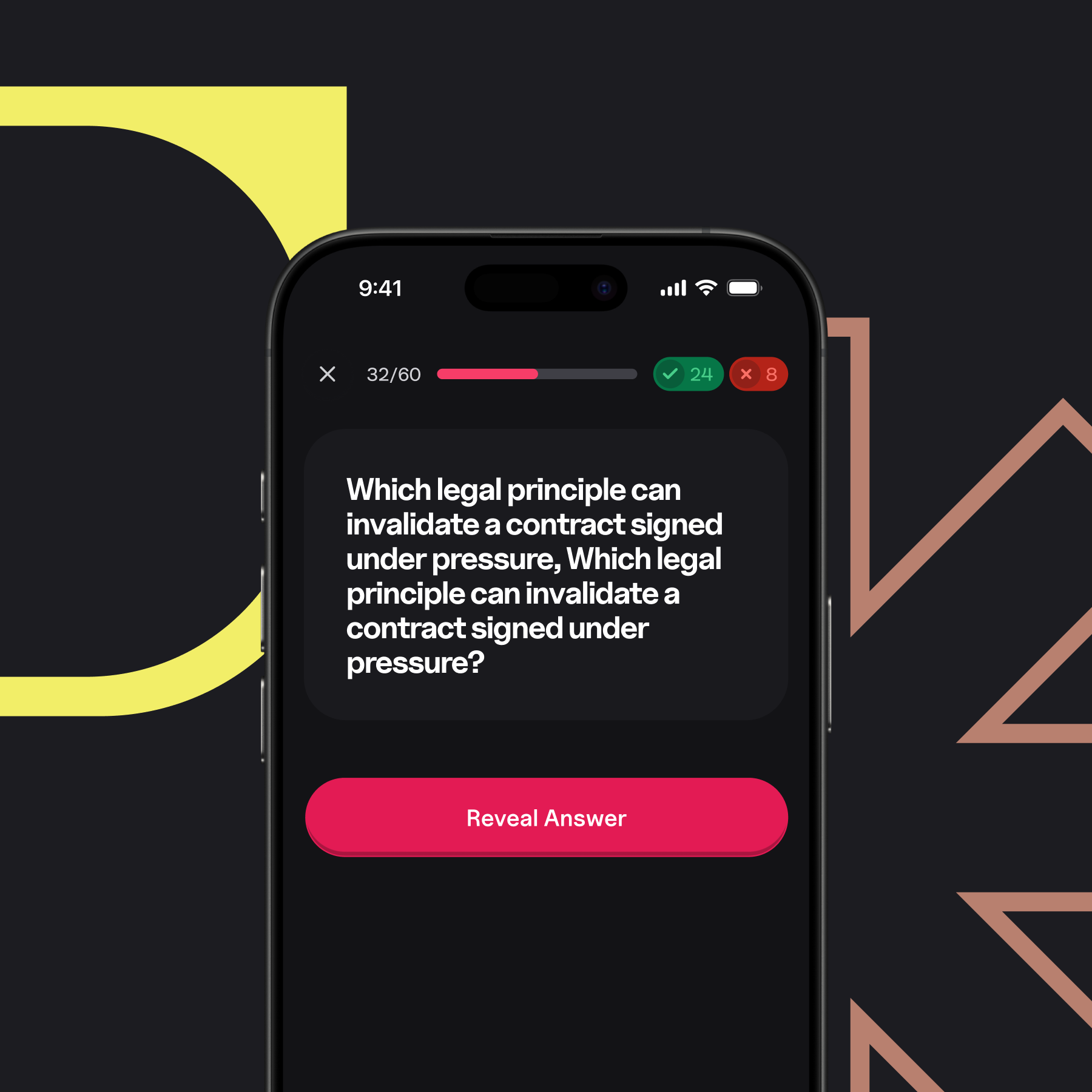
Think through the answer first, then reveal it. That pushes recall instead of passive scanning.
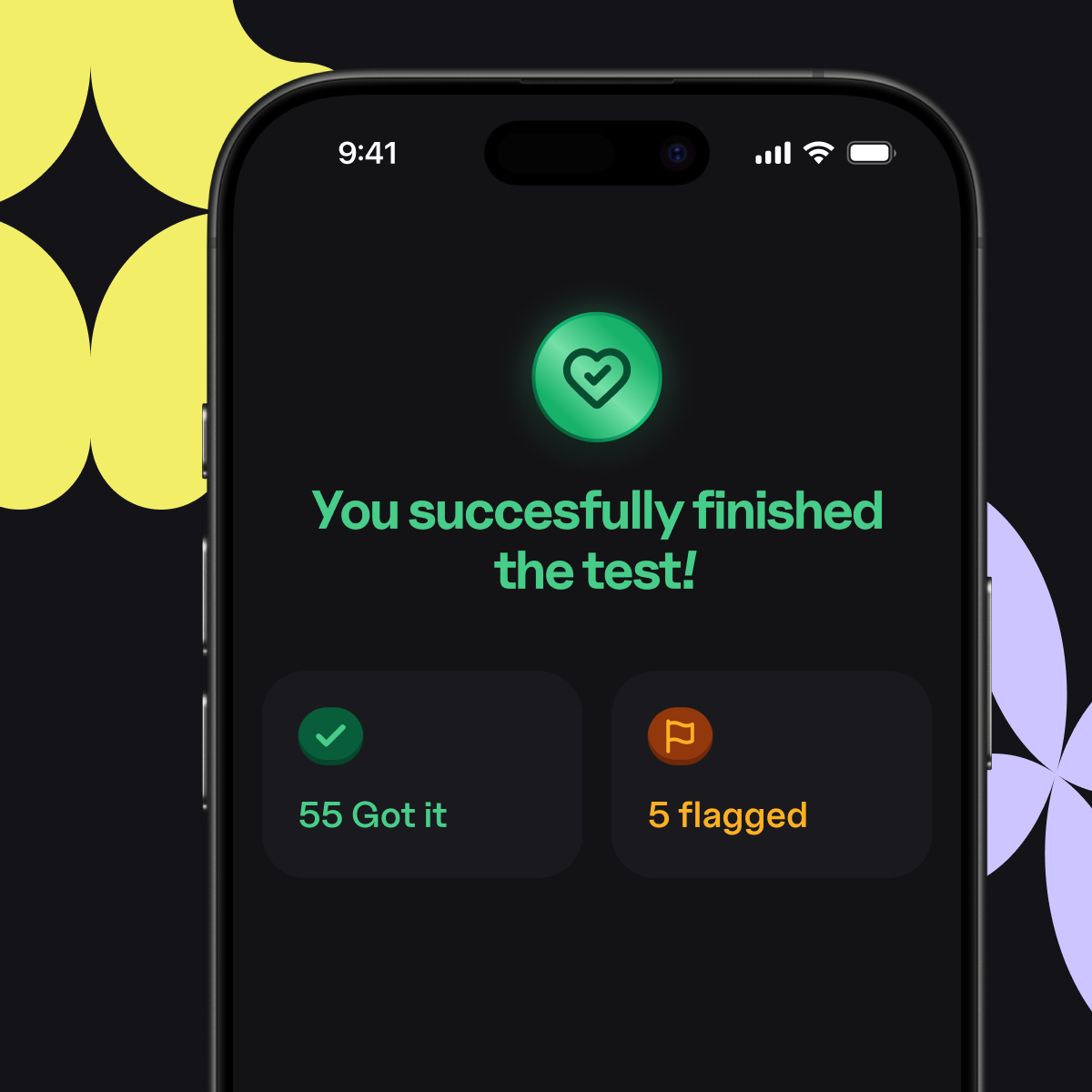
Mark the concepts you keep missing so the next session starts with what still needs work.
Spend your time reviewing weak material instead of formatting decks by hand.
Testopia fits the study workflows where students need to turn dense material into repeatable recall sessions.
Turn dense definitions, anatomy notes, and nursing review material into cards you can drill repeatedly.
Pull structures, systems, and definitions out of science notes without building every card manually.
Use vocabulary lists, grammar notes, and language study material for fast daily review.
Build exam decks without spending your prep session typing terms one by one.
Quick answers about making flashcards from PDFs, documents, images, photos, notes, and other study material with AI.
Yes. You can generate flashcards from notes, PDFs, slides, and other study material without hitting a paywall first.
Yes. You can paste notes, upload documents, or use other study material as the source for a deck.
Yes. Upload a PDF and Testopia turns it into flashcards you can review on your phone.
Yes. You can use study documents, class handouts, and slide decks as source material instead of rebuilding the cards by hand.
Yes. Saved images, screenshots, and other study visuals can be used as source material for flashcards.
Yes. You can photograph textbook pages, handwritten notes, or printed study material and use that photo as the input.
Yes. Testopia works as an online flashcards maker that generates digital flashcards and lets you review them on mobile.
Yes. AI handles the first pass of flashcard creation, so you spend less time formatting and more time reviewing.
Yes. Those are strong use cases because the content is term-heavy and benefits from repeated active recall.
The main difference is speed. Testopia is built to turn your own notes and files into flashcards fast, then move you straight into review.
Yes. Testopia works on both iOS and Android, so you can create and review flashcards from either device.