How to Convert Handwritten Notes to Digital: The Ultimate Student Guide

Converting handwritten notes to digital is the process of scanning, transcribing, or importing paper-based study notes into digital formats. This transition allows you to search your notes instantly, back them up securely, and use AI tools to generate interactive study materials.
The Paper Trap: Why Your Notebooks Are Holding You Back
We have all been there: staring at a stack of spiral notebooks, desperately trying to find that one formula from week three. Carrying physical notebooks is heavy, disorganized, and risky. If you spill coffee on your notebook, weeks of hard work vanish instantly. More importantly, paper notes encourage passive re-reading, which active recall research proves is the least effective way to study.
Paper notes are a graveyard of information. If you cannot search it, you cannot efficiently study it.
How to Convert Handwritten Notes to Digital Without Wasting Hours
The process of moving handwritten notes to digital shouldn't feel like a chore. You do not need to manually retype everything. Instead, use mobile scanning apps with built-in Optical Character Recognition (OCR) like Adobe Scan or Apple Notes. A quick scan can digitize a ten-page notebook in under three minutes, turning your handwriting into searchable text. To keep your new files organized, pair them with a structured note taking template to maintain a clean layout.
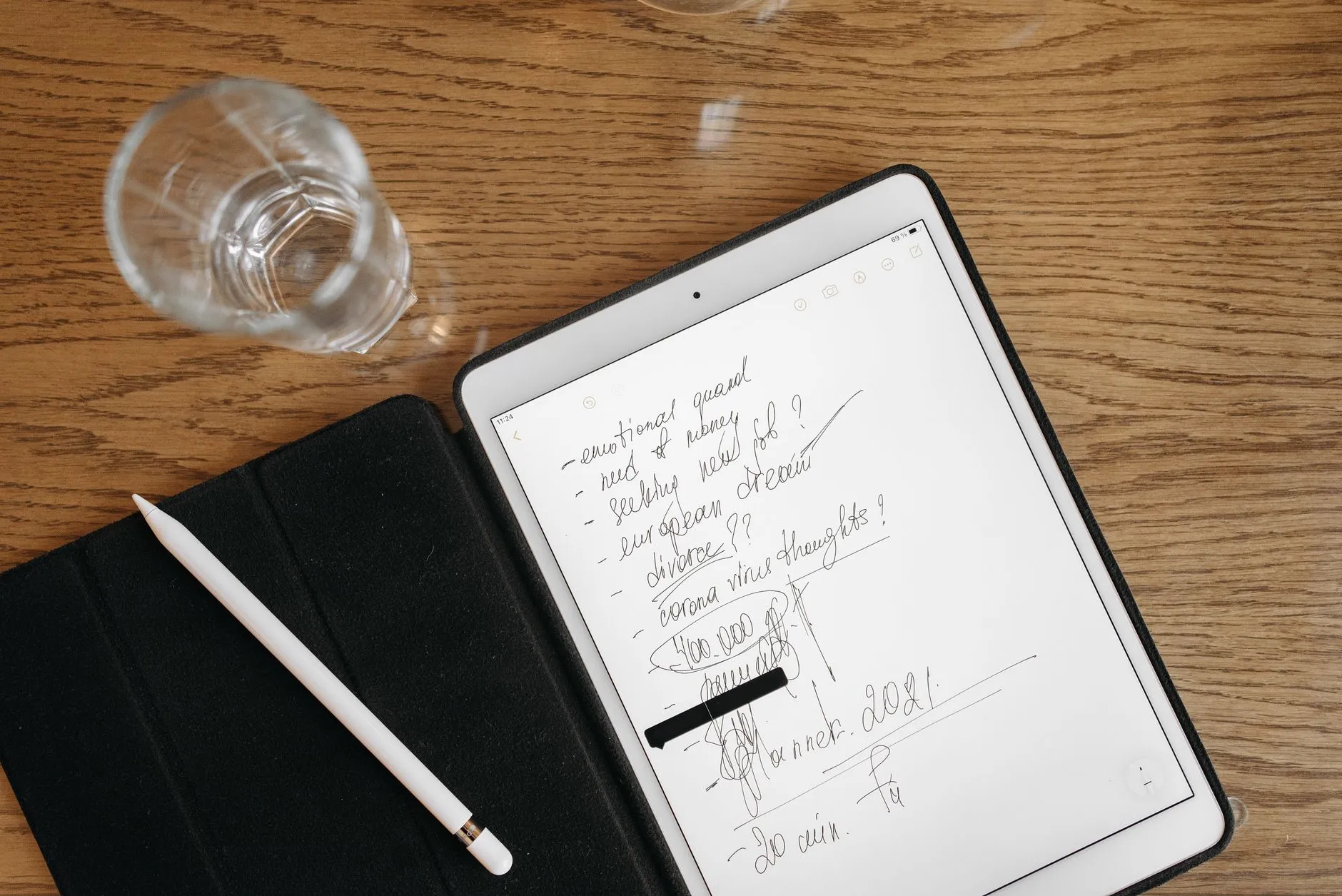
The Smart System: Turning Static Text Into Active Recall
Once you transition your handwritten notes to digital, you unlock the ultimate study hack. Do not just let your PDFs sit in a cloud folder. The real magic happens when you feed those digital files into smart systems. By uploading your scanned pages to a PDF to quiz generator, you can instantly turn flat text into interactive flashcards and practice exams. This shifts your study routine from boring, manual review to highly efficient active recall.
Pros and Cons of Going Digital
Pros of Digital Notes:
- Instant searchability using keywords
- Automatic cloud backups to prevent data loss
- Seamless integration with AI study tools and flashcard makers
Cons of Digital Notes:
- Initial setup time required for scanning
- Potential for screen fatigue during long study sessions
- Digital distractions from notifications
Common Mistakes to Avoid During the Transition
The biggest mistake students make is trying to digitize their entire academic history in one weekend. This leads to immediate burnout. Instead, start with your current week of classes. Another trap is failing to organize your digital files immediately. Create a simple folder structure by semester and subject, or your digital drive will quickly become just as messy as your physical desk.
Reclaim Your Study Time Today
Stop wasting hours flipping through paper pages and highlighting text you will never look at again. Transitioning your notes to a digital format is the first step toward studying smarter, not harder. Once your notes are digital, let Testopia do the heavy lifting by converting your documents into custom quizzes and flashcards in seconds.

Stop rereading. Start testing yourself.
Turn notes and readings into quizzes and flashcards the moment you finish the article.