How AI for Students Helped Me Conquer Disorganized Notes
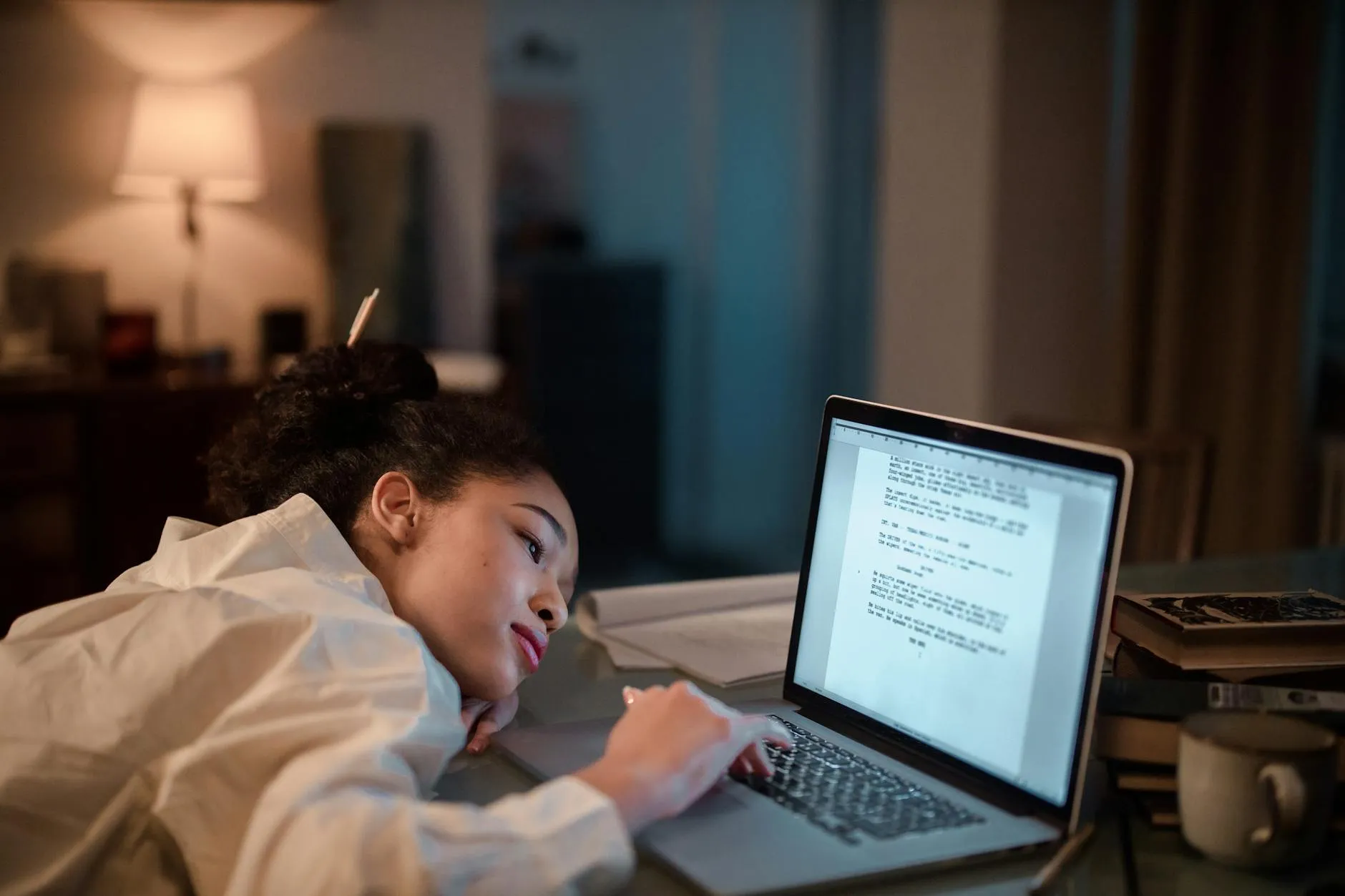
AI for students, especially voice-to-text tools, can revolutionize how you manage lecture notes and study materials. I learned this the hard way, initially creating more chaos, but eventually built a system to turn scattered audio and documents into organized, actionable study aids.
My Messy Confession: Drowning in Digital & Physical Notes
Let's be honest: my study life used to be a disaster zone. My desk was a graveyard of crumpled handouts, half-filled notebooks, and printouts of PDFs I'd sworn I'd read. Digitally, it wasn't much better. I had lecture recordings saved in random folders, screenshots of slides mixed with memes, and a downloads folder that was basically a digital black hole.
I spent more time searching for notes than actually studying them. This constant scramble for information left me feeling perpetually behind and incredibly frustrated. The pain of disorganized notes scattered everywhere was real, costing me precious study hours.

The AI Experiment Gone Wrong (and Then Right) with Transcribing Lectures
My first dive into AI for students was with transcribing lectures. I thought, 'Great, I'll record every class, run it through a voice-to-text AI, and boom – instant perfect notes!' What I got was a wall of text, often riddled with errors, and just as disorganized as my handwritten scribbles. It was more data, not more understanding.
I realized that simply transcribing lectures wasn't the magic bullet. It just moved the problem from audio chaos to text chaos. The raw output was overwhelming, and I still had to manually sift through it, highlight, and try to make sense of it all. This initial failure taught me a crucial lesson: AI is a tool, not a replacement for a smart system.
Building My Smart System: From Raw Audio to Active Recall with AI for Students
This is where the real transformation happened. Instead of just transcribing, I started integrating the AI output into a structured workflow. My system now looks like this: I record lectures, use voice-to-text AI to transcribe them, and then upload these transcripts (or any PDF/document) directly to a platform like Testopia.app.
Suddenly, my disorganized notes weren't just text anymore. With Testopia's AI, I could chat with the document, instantly generate flashcards based on key concepts, or turn entire lecture transcripts into active recall quizzes. This transition from 'working hard' (re-reading, highlighting) to 'working smart with a system' changed everything. It's about reclaiming time and cognitive bandwidth, letting the AI handle the tedious parts so I can focus on actual learning and understanding. You can explore how easy it is to create study aids with the Free AI Flashcard Maker or the PDF to Quiz Generator.
This approach leverages the science of learning, specifically active recall and spaced repetition, which are proven to boost memory retention. By using AI for students to automate the creation of these study tools, I ensure my study sessions are always effective and efficient. Learn more about the science behind effective studying on Testopia's science page.
The Real Pros and Cons of Using AI for Student Notes
Using AI for student notes has its definite advantages and some things to watch out for.
Pros:
- Time-Saving: Automates tedious tasks like transcribing and flashcard creation.
- Organization: Centralizes information from various sources into one accessible format.
- Accessibility: Converts audio into searchable text, making it easier to find specific details.
- Deeper Understanding: Frees up mental energy to engage with the material, not just process it.
- Active Learning: Facilitates the creation of active recall quizzes and flashcards for better retention.
Cons:
- Initial Setup: Requires a bit of effort to integrate AI tools into your existing workflow.
- Information Overload: Simply transcribing without processing can lead to more disorganized data.
- Quality Variability: Transcription accuracy can vary depending on audio quality and AI tool.
- Reliance on Technology: Requires access to devices and internet, which might not always be available.
Common Mistakes I Made (So You Don't Have To)
My journey with AI for students wasn't flawless. Here are a few common pitfalls I encountered:
- Not Integrating AI into a Workflow: My biggest mistake was just transcribing and then forgetting about the raw text. AI tools are powerful, but they need to be part of a larger, intentional study system.
- Thinking AI Does All the Work: AI can automate, but it doesn't learn for you. You still need to actively engage with the generated quizzes and flashcards to truly internalize the material. It's a co-pilot, not an autopilot.
- Ignoring the 'Why': I initially used AI just because it was new and cool, not to solve a specific problem like my disorganized notes. Always start with the problem you're trying to fix, and then find the right AI tool to address it.
Embrace AI for students, not as a shortcut to avoid studying, but as a powerful ally to make your studying smarter and more effective. It's about building a system that works for you, turning chaos into clarity, and reclaiming your precious time.
Stop rereading. Start testing yourself.
Turn notes and readings into quizzes and flashcards the moment you finish the article.